
Blender Assistant | Blender Dork Assistant Download
By Dork Industry · Desktop app · Blender MCP launcher
100.00$
Documentation & setup
- Launcher + Blender bridge
Connect a compatible AI client to Blender. Installation manual and client configuration guidance included on this page.
Blender Dork Assistant
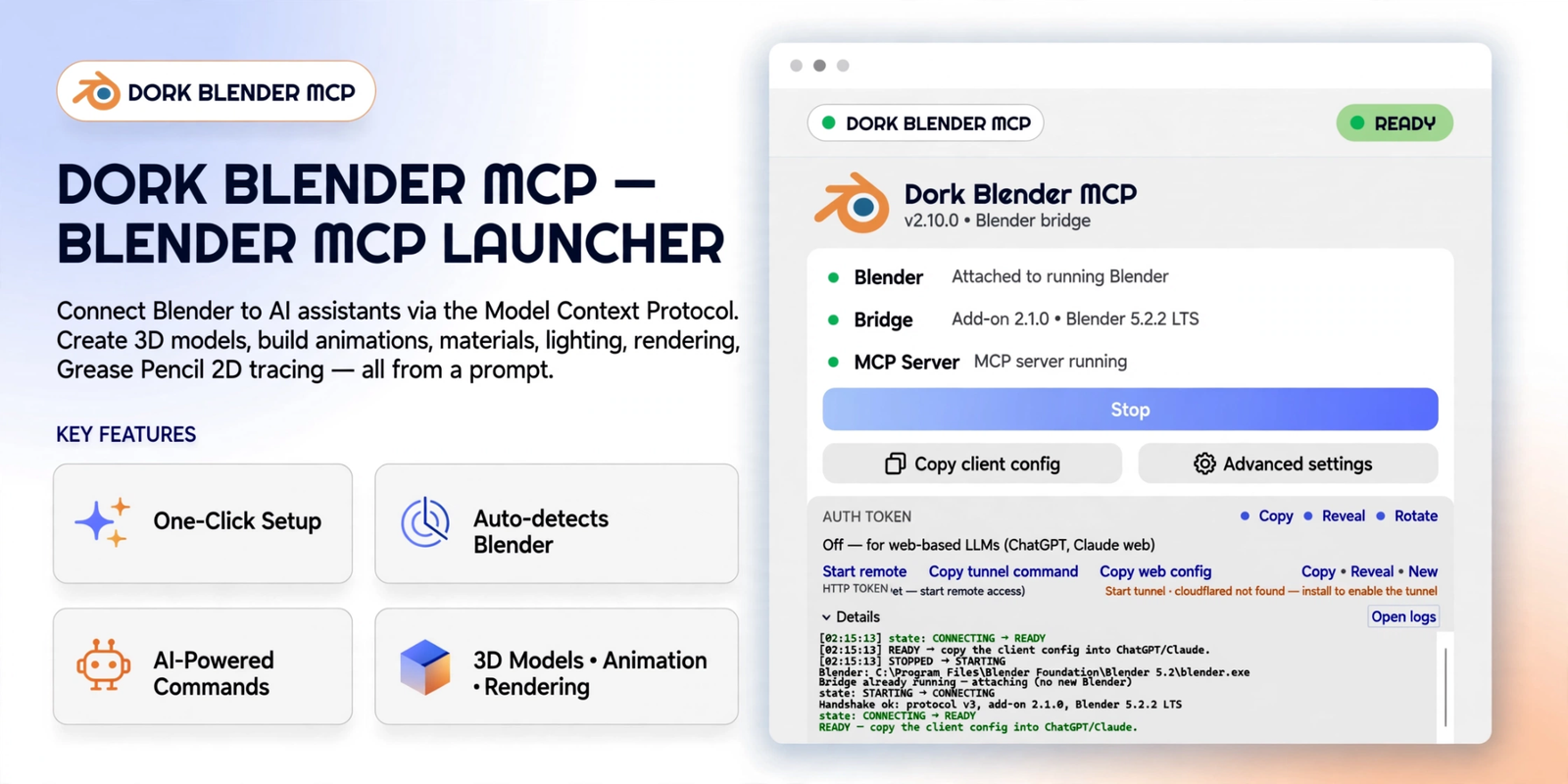
Blender Dork Assistant connects AI to Blender for scene creation, materials, animation and rendering. Explore the demo, screenshots and installation guide.
Connect a compatible AI client to a live Blender session to create and refine scenes, materials, cameras, lights, animation and renders. The desktop launcher manages the connection between Blender, the add-on and the MCP server.
Watch the Blender MCP demo
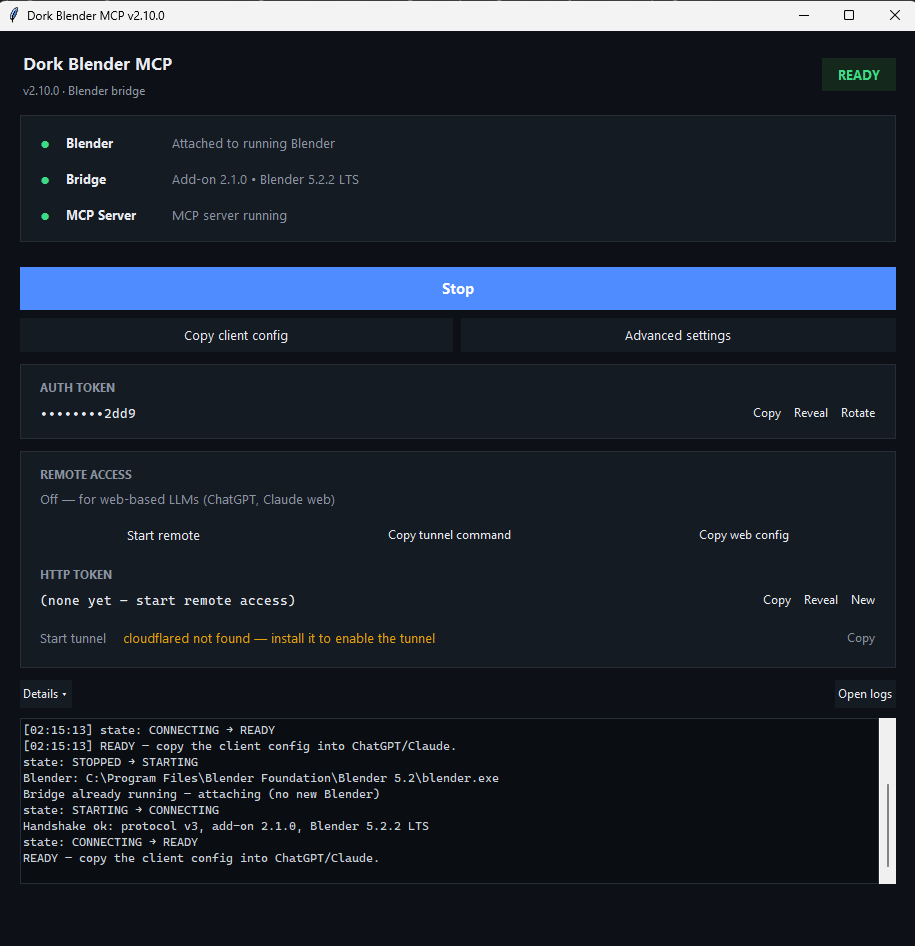
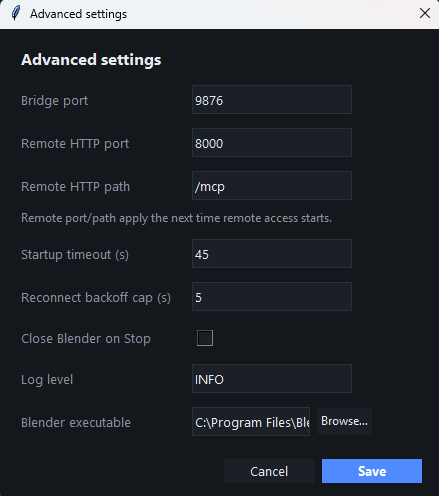
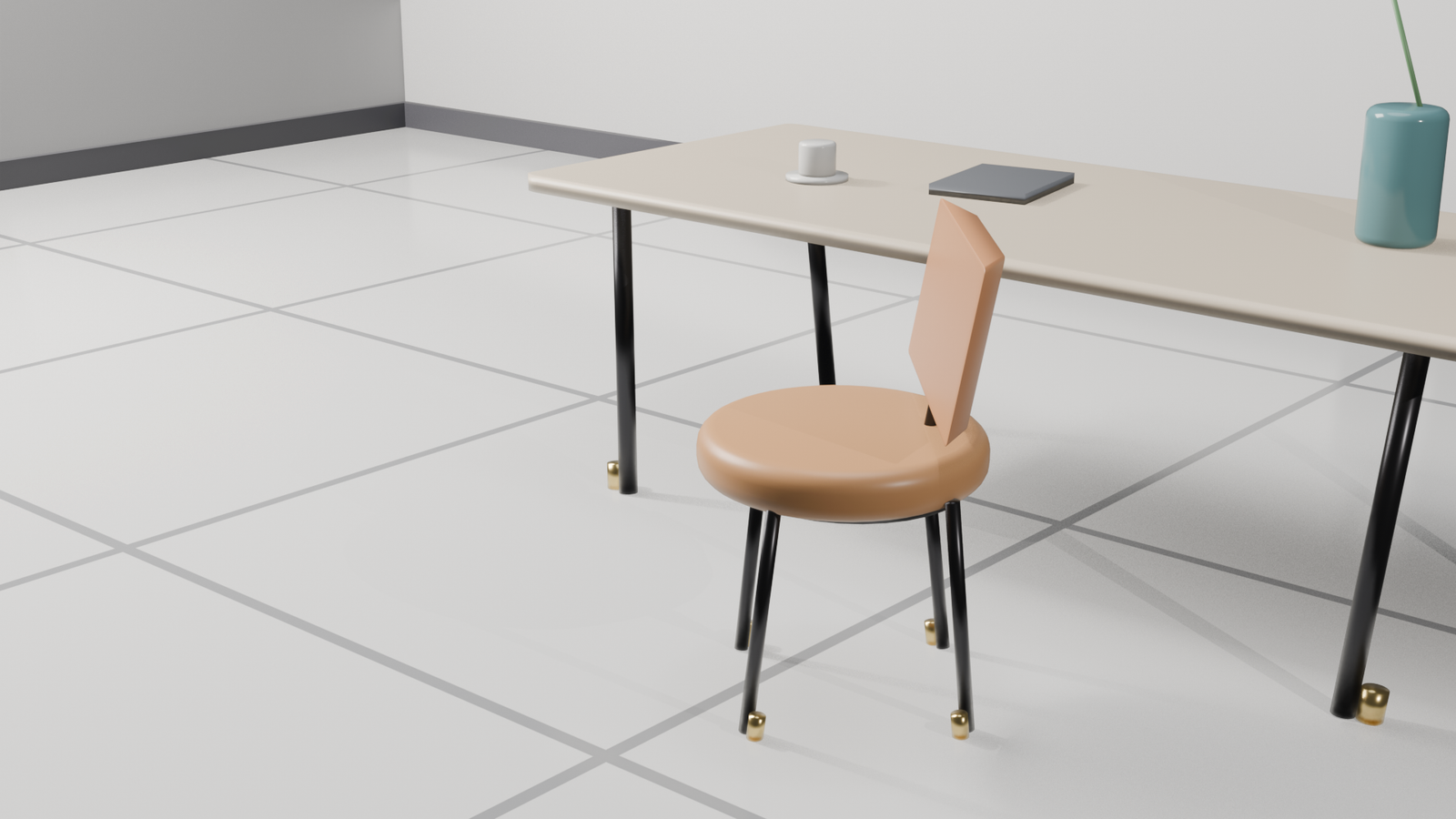
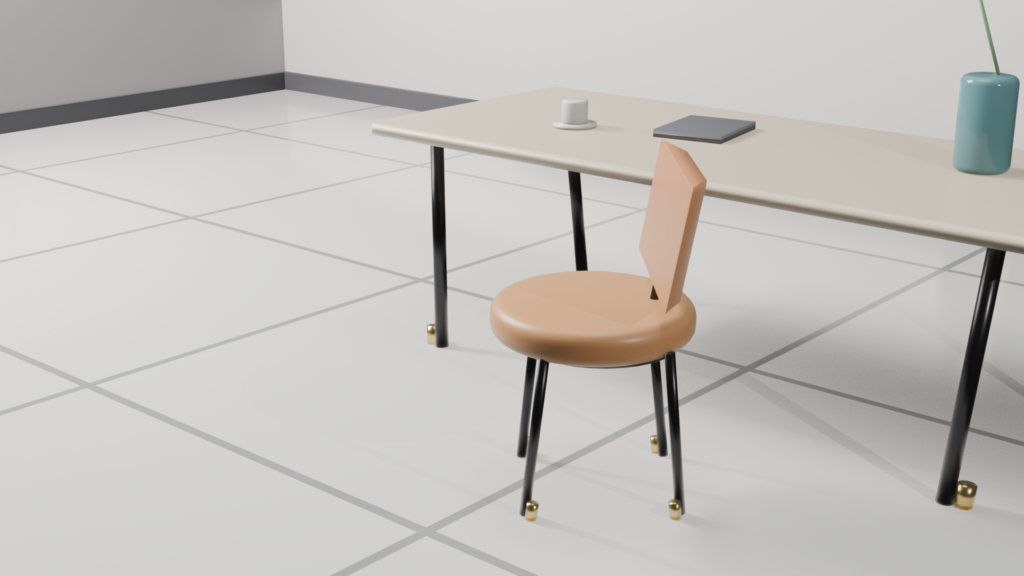
Launcher, connection settings and generated scene
Setup and everyday workflow
- Install the supplied launcher or follow the source-installation instructions in the manual.
- Press Start, then wait for the Blender, Bridge and MCP Server connections to report READY.
- Use Copy client config to connect the compatible AI client you use.
- Inspect the scene, make changes, check a preview, and save a checkpoint before larger changes.
The installation manual covers client configuration, remote access, Grease Pencil, image tracing, previews, checkpoints, renders and troubleshooting. Blender 3.6 or newer is required; Blender 4.3 or newer is recommended for Grease Pencil v3 features. The Windows launcher and macOS/Linux source workflows are documented separately.
Installation and user manual
1 review for Blender Assistant | Blender Dork Assistant Download
Only logged in customers who have purchased this product may leave a review.
Product comments & queries
Buyers can ask questions about this product here. Dork Industry can reply in the same thread.
No product queries yet.
Sign in to your buyer account to submit a query.
Updates & versions
Component versions documented in the October 2026 installation manual.
| Desktop launcher | 2.11.0 |
|---|---|
| MCP server | 2.2.0 |
| Blender add-on | 2.1.0 |
| Wire protocol | v3 |
Rohit –
Overall, the support is good, and the team is always available. Blender MCP makes it easier to generate 3D scenes and handle animation tasks by giving a command. A few features still need improvement, but overall, I loved it.