A backup is not proven merely because a job shows “successful.” It is proven when an authorised team can restore the required data and application into a safe environment, validate that the business workflow works, record the actual recovery point and time, and fix any gap discovered during the test.
This guide helps Delhi businesses evaluate cloud backup restore testing before a deletion, ransomware incident, failed update or service outage creates an urgent recovery problem. It is designed for business owners, IT managers and operations teams using a mix of cloud applications, databases, shared files, virtual servers and employee devices. It does not assume one cloud provider or prescribe a universal recovery target.

What is cloud backup restore testing?
Cloud backup restore testing is a controlled exercise that recovers selected data or systems from backup, checks integrity and application function, compares the result with agreed recovery objectives, and records corrective actions. A useful test verifies the complete business workflow—not only whether files can be downloaded.
A restore test should be isolated from production unless a carefully approved failover exercise requires otherwise. It must have a defined scope, authorised owner, validation criteria and cleanup plan. A test that risks overwriting live data is not a responsible test.
Why is a successful backup job not enough?
A backup monitor can confirm that a scheduled process ran, but it may not prove that every required dataset, configuration, identity dependency or encryption key is available. It may also miss an application dependency that becomes visible only when the recovered system starts.
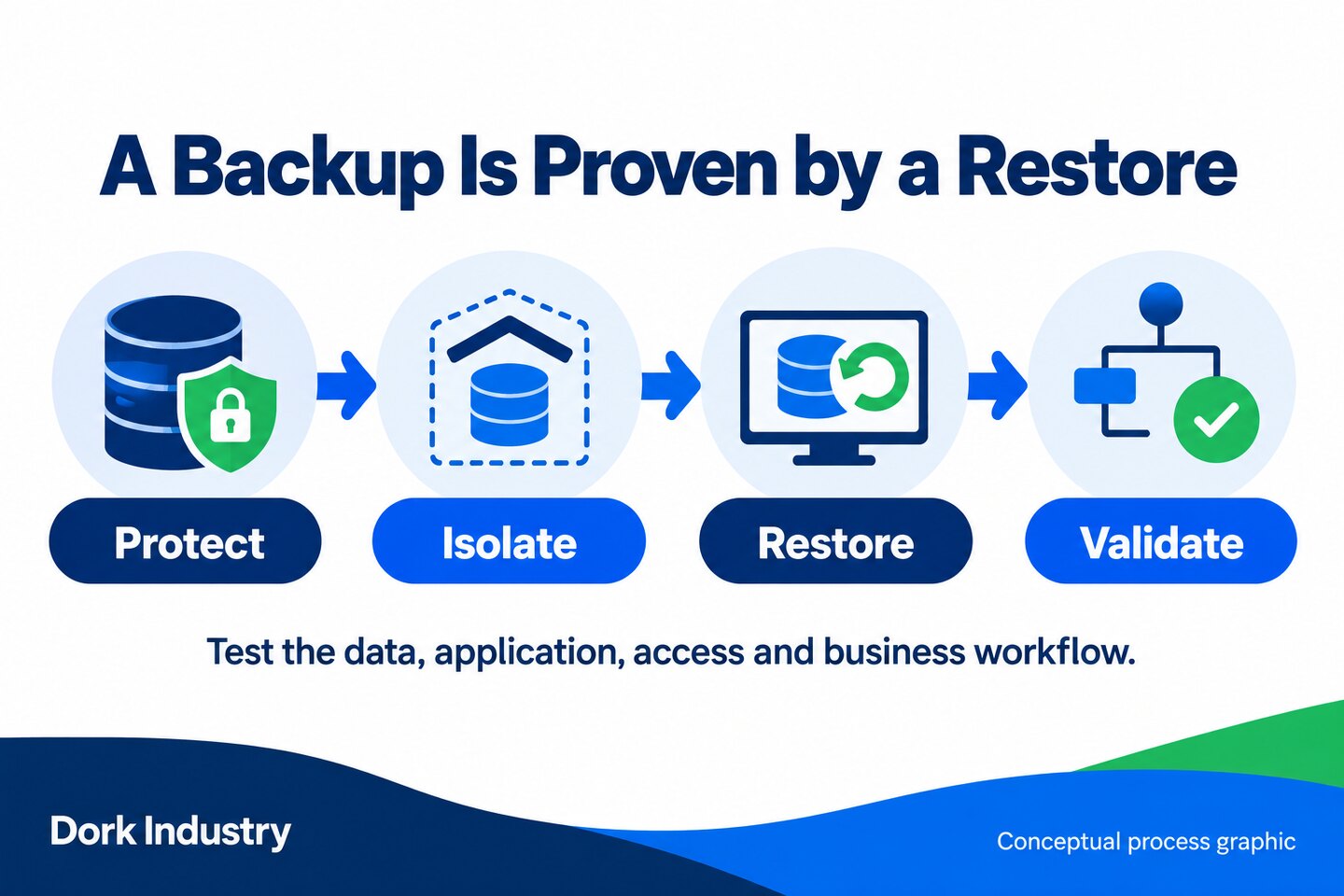
Microsoft’s cloud security benchmark separates automated backup, backup protection, monitoring and regular recovery testing. Its guidance explains that testing should validate data integrity, recovery procedures and whether actual capability meets defined recovery objectives. The principle applies even when your workloads are not hosted on Azure.
RTO and RPO in plain language
Recovery Time Objective (RTO) is the maximum acceptable delay between an interruption and restoration. Recovery Point Objective (RPO) is the maximum acceptable time between the last usable recovery point and the interruption. AWS Well-Architected guidance states that these objectives are determined by the business and then used by technical teams to select a recovery strategy.
That distinction prevents a common procurement mistake: buying storage first and asking the business about recovery expectations later. A sales system, public website, payroll file and archive may need different targets. The target should reflect operational impact, dependency and cost—not a copied number from another company.
How should a Delhi business test cloud backup recovery?
Start with one important workflow and a controlled recovery location. Do not test using real customer data when a safe representative dataset can answer the question. Record every assumption so the next drill can verify improvement rather than repeat the same uncertainty.
1. Inventory the complete workload
List the application, database, files, identity provider, DNS, certificates, encryption keys, configuration, scheduled jobs and external integrations needed for the workflow. Mark which components are backed up and which must be recreated from documentation or infrastructure code. “Server backed up” is too broad if the application also relies on a separate database or third-party identity service.
2. Agree recovery objectives with the business owner
Ask the workflow owner how long the business can operate without the service and how much recent work could be recreated safely. Record RTO and RPO as business decisions, along with the reason and approver. If the requirement is unknown, label it unknown; do not let a default backup schedule silently become the business objective.
3. Verify backup coverage, retention and alerts
Check that scheduled jobs include the expected systems and that failed, missed or partially completed jobs alert a monitored destination. Review whether retention supports the recovery scenarios you identified. A short retention window may not help if corruption is discovered later, while unlimited retention can create cost, privacy and governance problems.
4. Protect the recovery path
Review who can alter or delete backups, how privileged access is approved, whether strong authentication is enforced and whether recovery credentials are available during an identity outage. Separation or immutability may reduce the chance that the same incident affects both production and recovery copies. The exact architecture depends on risk and provider capability.
5. Restore into an isolated environment
Choose a non-production network, separate account, recovery subscription or other controlled environment. Define who can access it, prevent accidental outbound messages and make sure the recovered application cannot write back to production. Record the recovery point selected and why it is safe for the test.
6. Validate data and application behaviour
Do more than open a file or start a virtual machine. Check record counts or representative checksums where appropriate, sign in with a test identity, open the application, run a safe transaction, confirm permissions and verify that required integrations behave as intended. The business owner should validate the workflow; infrastructure health alone does not prove business usability.
7. Test dependencies, secrets and access
Confirm that keys, certificates, secrets, network rules, licence dependencies and service accounts can be restored or recreated. Document any manual step and the authorised location of its instructions. Avoid placing live secrets in the drill report. A technically complete data restore can still fail because the recovered system cannot authenticate or reach a required service.
8. Measure actual recovery time and recovery point
Record when the exercise began, when usable service was available and which recovery point was restored. Compare those observations with the agreed objectives. Do not edit the target after seeing the result to manufacture a pass. If the test misses the target, record the constraint—such as transfer time, missing dependency, manual approval or unclear runbook—and assign an action.
9. Close the drill with ownership and retesting
Document issues, owners, due dates and the condition that triggers a retest. Update the runbook while evidence is fresh. Repeat testing after material changes to the application, infrastructure, identity system, backup configuration or team. The right interval depends on business impact and change frequency; there is no single schedule for every workload.
Cloud backup restore-test worksheet
Use one row per workload or business workflow. Keep the record concise enough to use during an incident, but detailed enough for another authorised team member to repeat the process.
| Field | What to record | Pass evidence |
|---|---|---|
| Business workflow | Service and accountable owner | Owner confirms scope |
| Dependencies | Data, app, identity, network, keys, integrations | All required components mapped |
| Recovery objectives | Approved RTO and RPO with rationale | Business and technical teams agree |
| Recovery point | Backup timestamp/version selected | Point matches the test scenario |
| Restore environment | Isolated location and access controls | No unintended production impact |
| Validation | Data checks and business transaction | Owner confirms usable workflow |
| Observed result | Actual time, recovered point, issues | Compared honestly with objectives |
| Follow-up | Action, owner, due date, retest trigger | No unresolved issue lacks ownership |
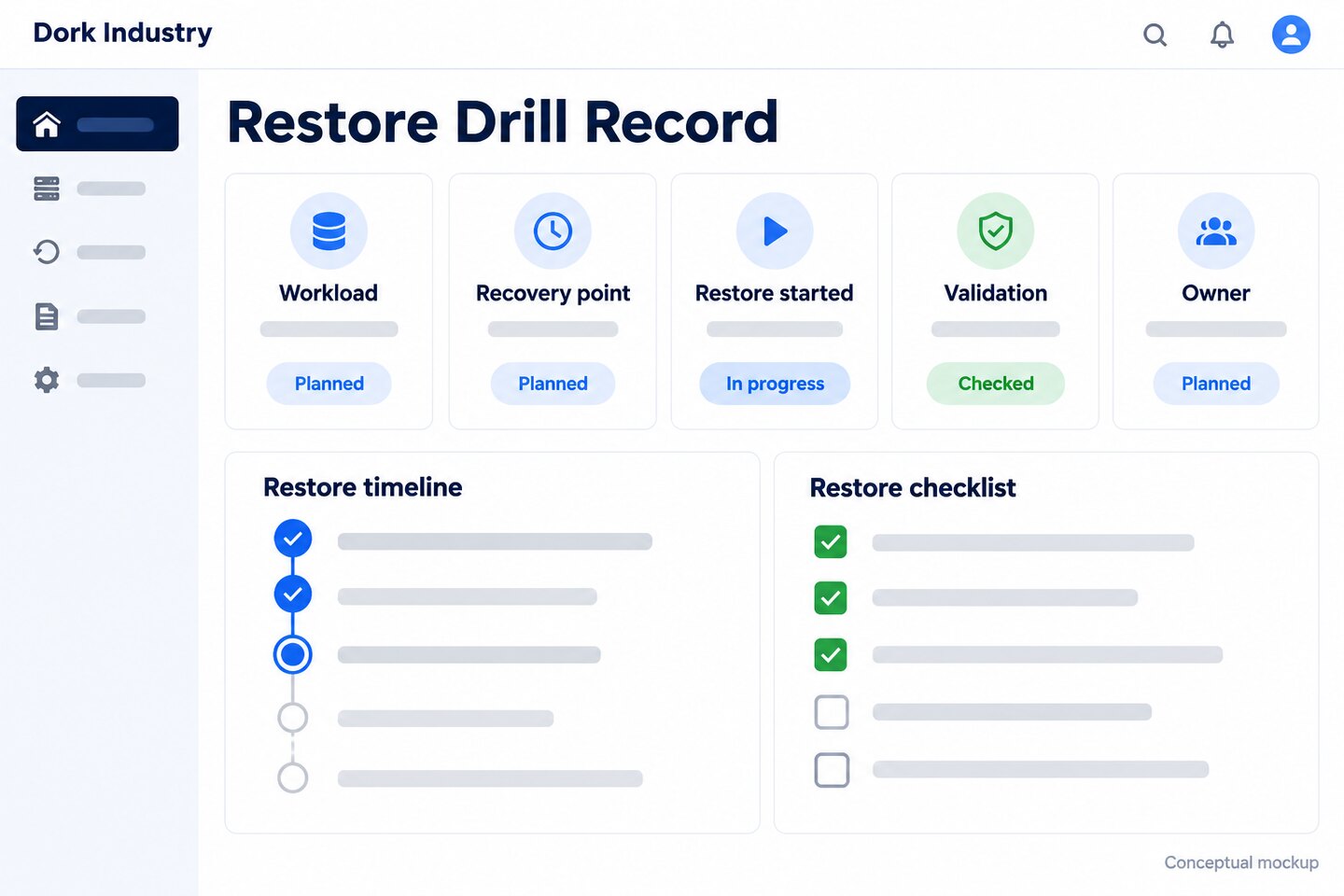
Worked example: restoring a client portal safely
Consider a hypothetical Delhi professional-services company with a client portal, database, document store and employee identity service. The company wants to test recovery after a failed application update. This example is illustrative and does not represent a customer result.
- Scope: the portal, its database, required documents, configuration and test identities.
- Recovery point: an approved backup taken before the simulated failed update.
- Isolation: a non-production environment with outbound customer notifications disabled.
- Validation: a test user signs in, opens a representative document, creates a non-production service request and confirms role permissions.
- Observation: the team records actual elapsed time, the recovered data point, missing dependencies and every manual step.
- Closure: operations approves the workflow result, actions are assigned and test data is removed under the cleanup plan.
The value is not a green dashboard alone. The useful output is evidence that the business workflow can be recovered, plus a shorter list of unknowns for the next test.
What should you ask a cloud backup provider?
Ask for specific evidence and responsibility boundaries. A proposal should explain what the provider operates, what your team must supply and how recovery is validated.
- Which workloads, SaaS platforms, databases and configurations are included?
- Who monitors failed or incomplete jobs, and where are alerts sent?
- How are backup administration and deletion rights protected?
- What restore types are supported: file, database, application, virtual machine or full environment?
- Can tests run in an isolated environment without affecting production?
- Who validates the restored business workflow?
- How are RTO and RPO requirements documented and tested?
- What evidence and runbook are delivered after a drill?
- How are failed tests, corrective actions and retests tracked?
- What data-location, retention, deletion and access requirements apply?
Do not accept “backup included” as the full answer. Ask what can be restored, who performs it, how long the tested procedure took and what is explicitly outside scope. Avoid treating an untested estimate as a guaranteed recovery result.
What should be measured after a restore drill?
| Layer | Useful measures | Decision supported |
|---|---|---|
| Coverage | Critical workflows mapped; backups monitored | Where protection gaps remain |
| Recoverability | Tests completed; data and workflow validation | Whether recovery is proven |
| Objectives | Observed recovery time and point versus approved targets | Whether design and expectations align |
| Improvement | Open actions, owners and retest status | Whether drills reduce uncertainty |
| Commercial outcome | Qualified consultations, proposals and projects | Whether content creates relevant opportunities |
Search impressions, answer visibility and observed AI citations should be measured separately from consultations and projects. Do not claim rankings, citations or revenue without actual evidence. For content attribution, preserve the landing page and campaign source when a visitor requests a consultation.
When should Dork Industry review your recovery plan?
A review is useful when you have never completed a restore, the backup scope is unclear, business objectives are undocumented, recovery depends on one employee, or a cloud migration changed your dependencies. Dork Industry provides cloud services, managed services and technology consulting across its industry practices.
Turn one backup assumption into a documented restore test
Bring one critical workflow, your current backup method and the people who own the business process. Dork Industry can help map the dependencies, design a safe drill and document the gaps without forcing a platform change before the evidence is clear.
Frequently asked questions
What is the difference between backup and disaster recovery?
A backup is a recoverable copy of data or system state. Disaster recovery is the broader plan for restoring technology and business operations after a serious disruption. It includes priorities, dependencies, people, communication, recovery environments, procedures and validation—not only backup files.
How often should cloud backups be tested?
The appropriate interval depends on business impact, change frequency, recovery requirements and risk. Test after material changes and on a recurring schedule approved by the business owner. Critical, frequently changing workflows generally require more frequent evidence than low-impact archives, but there is no universal interval.
Can a restore test damage production data?
A poorly planned test can create risk. Use an isolated environment, approved recovery point, restricted access, disabled outbound notifications and a cleanup plan. Do not overwrite live data unless a separately approved failover or production recovery exercise explicitly requires it.
What does RTO mean?
Recovery Time Objective is the maximum acceptable delay between a service interruption and restoration. It is a business requirement used to design and test recovery capability; it is not automatically the same as a vendor’s estimated restore time.
What does RPO mean?
Recovery Point Objective is the maximum acceptable time between the last usable recovery point and an interruption. It helps determine how frequently data must be protected and which recovery points are acceptable for the workflow.
Is cloud storage automatically a backup?
Not necessarily. Synchronisation or version history may help with some deletion scenarios, but the service must be evaluated against your retention, isolation, access, recovery-point and restore requirements. Confirm what is protected and how it is recovered.
Should a small Delhi business use a managed backup service?
It may be useful when the business lacks time or skills to monitor jobs, protect recovery access and run drills. The decision should follow an inventory and risk review. Confirm responsibilities, evidence, support scope and exit arrangements before selecting a managed service.
Can Dork Industry test our current backup without migrating everything?
Potentially. A scoped review can begin with your existing platform and one critical workflow. Migration should be recommended only when the current architecture cannot meet approved requirements or when the evidence shows a justified technical or commercial reason.