Shopify header not updating? First confirm that you are changing the intended theme and that the change was saved. If the header still behaves differently in the editor and the storefront, or a mobile menu stops working, the next step is a focused theme diagnosis—not repeated edits to the live store.
Your header is part of the buying journey: customers use it to find collections, search products and reach their cart. A broken menu or a layout that covers product content deserves attention before a campaign or launch. A colour mismatch alone does not justify rebuilding an entire store. The commercial question is which intervention restores the required experience with a maintainable result.
Why is my Shopify header not updating?
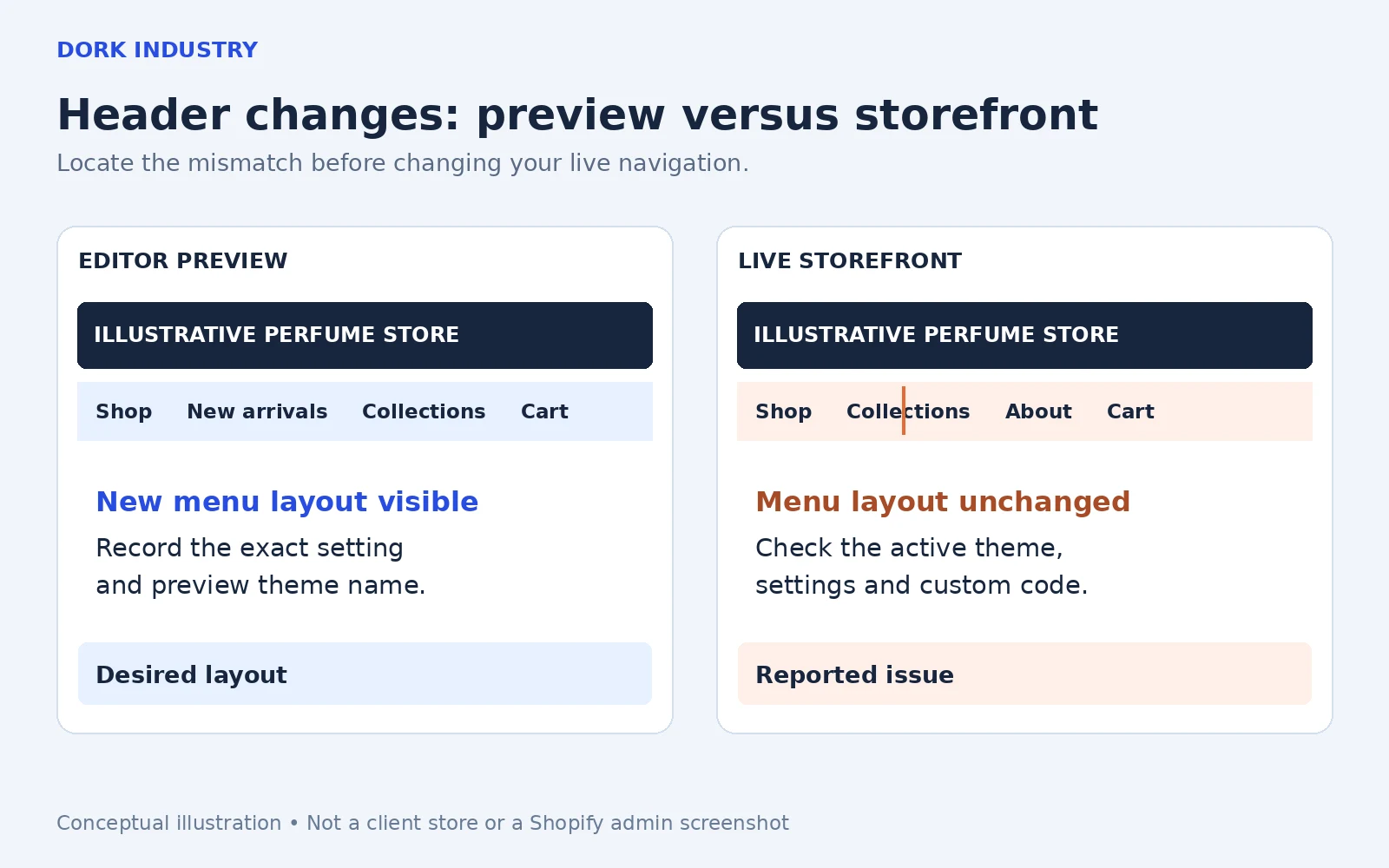
A Shopify header may appear unchanged because you edited a different theme, the required change is not controlled by that setting, custom styling overrides the result, or header JavaScript behaves differently when sections refresh inside the editor. These are possible causes to investigate, not a diagnosis of your store. The symptom alone cannot identify which applies.
Shopify distinguishes the published storefront theme from other themes in your library. Its publishing guidance explains how to identify the published theme. Match that theme to the one being edited before paying for code changes. Saving a library theme does not by itself mean customers are viewing it.
There is also a genuine difference between an editor preview and a normal page load. Shopify’s section integration documentation explains that editor actions can replace section HTML without rerunning JavaScript that executes only at page load. A custom menu may need appropriate section lifecycle handling. That requires investigation of the theme, not a universal code snippet pasted into every store.
What can you check before hiring a Shopify developer?
- Identify the exact change. Is it the logo, menu assignment, sticky behaviour, announcement bar, spacing or a completely new header layout? Record one reproducible symptom.
- Match the theme. Note the editor theme name and the published theme. Confirm that the intended edit was saved. Use an unpublished copy for experiments; publishing another theme changes what shoppers see.
- Compare editor, live desktop and live mobile. Use the same page and expected behaviour. A short recording is more useful than “the website is broken.”
- Check whether the option exists. A theme setting can only control functionality implemented by that theme. A missing multi-level menu layout may be a custom development requirement rather than an error.
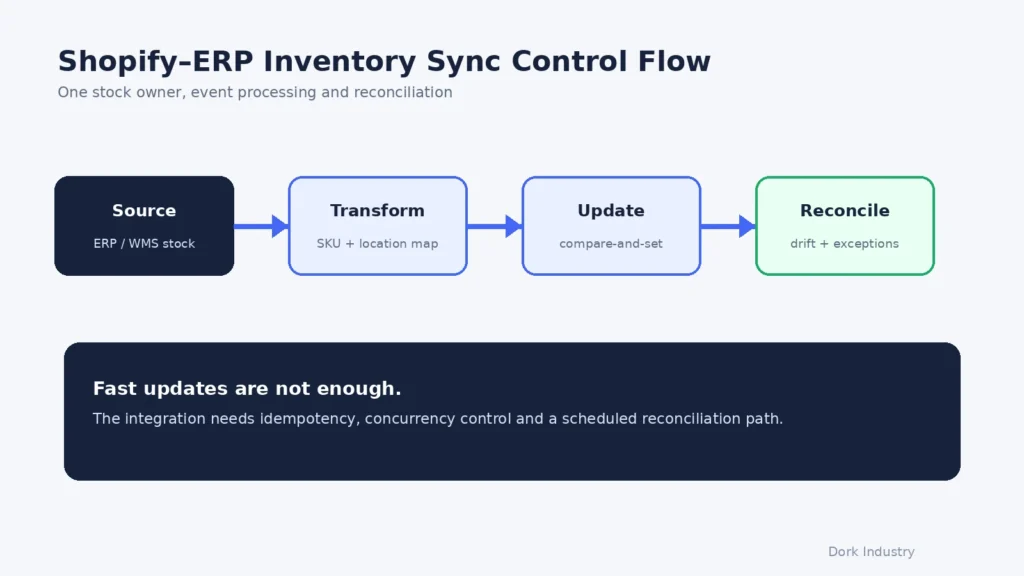
- Record recent changes. Include theme updates, app installations and code edits. Avoid disabling business-critical apps on the live store just to guess which one is responsible.
Shopify’s theme troubleshooting guide recommends comparing devices and themes to locate a problem. Use a preview when comparing themes so your investigation does not replace the storefront unintentionally. If the original theme’s support covers a reproducible defect, that may be the appropriate first route.
If these checks show a missing setting or a persistent conflict, collect the evidence and scope the repair. For merchants in Delhi, including teams running stores from Okhla or Naraina, the technical brief matters more than inserting every locality into a quote request. Dork Industry can discuss the requirement remotely; access and commercial terms should be agreed for the project.
Do you need a settings fix, theme repair or custom Shopify header?
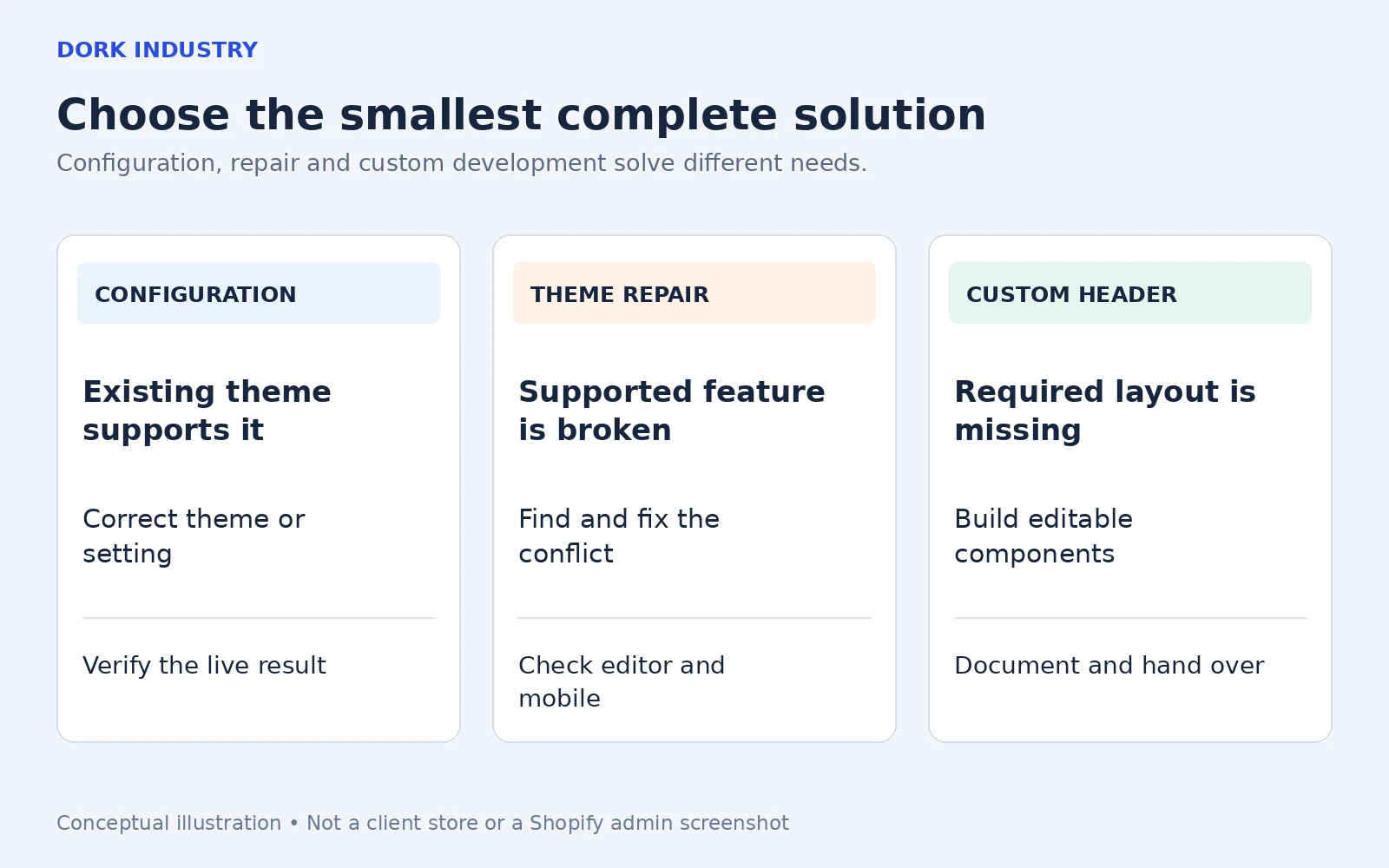
| Situation | Suitable scope to investigate | Expected deliverable |
|---|---|---|
| The theme supports the desired option but the wrong configuration is active. | Theme and navigation configuration. | Correct settings with a verified storefront result. |
| A supported menu, sticky header or mobile control fails. | Targeted theme repair and conflict diagnosis. | Documented cause, changed files and regression checks. |
| The design needs controls the theme does not provide. | Custom header or section development. | Editable settings, responsive behaviour and a clear handover. |
| Several templates and buyer journeys have conflicting customisations. | A broader theme assessment before redesign. | A prioritised scope separating repairs from new functionality. |
Ask for a diagnosis and bounded proposal before approving a redesign. “Install another app” is not a complete answer if it introduces duplicate navigation or a new monthly dependency without solving the underlying requirement. Equally, bespoke code is unnecessary when the existing theme already provides a supported option.
What should a Shopify theme repair or customisation proposal include?
Start with the outcome: customers can use the intended navigation on the agreed devices, and your team can maintain the approved settings. The proposal should distinguish the investigation from implementation and explain what happens if the issue lies in a third-party theme or app.
- A defined boundary: affected header, menu, templates, devices and market/language variations where relevant.
- A safe change path: a duplicate or development theme, agreed access, review preview and a rollback plan.
- Maintainable customisation: editable logo, navigation and layout options where requested, rather than hard-coded content for every routine change.
- Buyer journey checks: menu open/close, search, cart access, sticky behaviour, keyboard use and product-page visibility.
- Release and handover: approval before publishing, a change log, support boundaries and known third-party dependencies.
Shopify’s code-editing guidance recommends using code when the theme editor or an app cannot provide the required change. A quotation should explain why custom work is needed. Price and turnaround depend on the theme, conflicts, design requirements and test scope; this article does not invent a fixed Dork package or completion promise.
A menu repair and an inventory integration are separate scopes. If your store also needs business-system connections, review Dork’s ERP and integration services. If you need a customer app alongside the storefront, start with the mobile development service and define the shared catalogue, customer and order requirements.
How can Dork Industry scope your Shopify header problem?
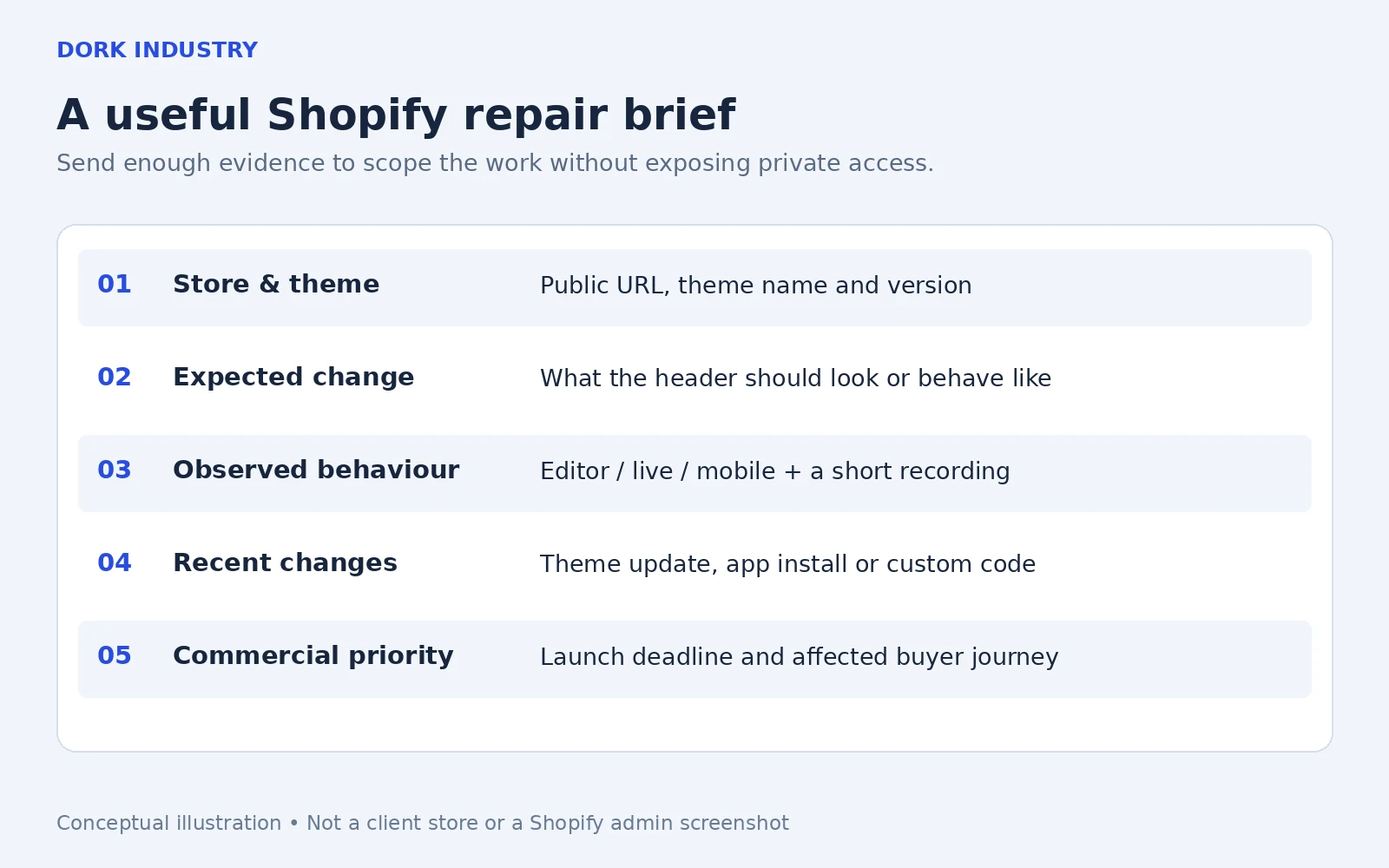
Send your public store URL, theme name and version, the change you expected, what happened instead, affected devices and a short recording. Describe the business deadline and any recent theme, app or code change. Share account access only through an agreed access method; do not include passwords in the first enquiry.
Illustrative brief: “Our perfume store’s mobile menu opens, but the collection links cannot be tapped after a header customisation. Desktop links still work. We need the existing menu repaired before a launch and want the navigation labels to remain editable.” This is a fictional example, not a tested client incident. It gives a developer a symptom, an affected journey, a boundary and a desired result without claiming lost revenue.
Dork Industry can discuss a targeted repair, custom theme section or wider web development scope. See our web development services and industry coverage. Where a store also depends on enquiry forms, our guide to missing website enquiries addresses that separate problem.
Frequently asked questions
Can every Shopify header change be made without code?
No. Available controls depend on the selected theme. If the theme provides the required setting, configuration may be enough. A new layout or behaviour outside those controls can require custom development. Ask the developer to distinguish the missing feature from a defect before quoting.
Should I replace my theme when the header does not update?
Not automatically. First identify the active theme and reproduce the issue. A settings correction or limited repair may solve it. A broader redesign becomes relevant when the theme cannot support several agreed requirements or when maintaining its customisations is no longer practical.
Can Dork guarantee a same-day fix or more sales?
No such guarantee is made here. Diagnosis depends on the theme, access, integrations and reproducibility. A repaired header can restore a required shopping interaction, but sales also depend on traffic, products, pricing and fulfilment. Timeline and deliverables must be agreed for the actual project.
What should I send when requesting Shopify customisation?
Send the public store URL, theme name, expected design or behaviour, affected pages and devices, a recording and your deadline. Explain whether you need a repair or a new feature. The team can then discuss technical fit, access requirements and an appropriate project scope.
Technical guidance reviewed on 1 October 2026. Illustrations and the example brief are conceptual. Search demand, conversion impact and client outcomes have not been measured for this article.